

Plan Your Renovation Budget
- Home
- Plan Your Renovation Budget
Plan Your Renovation Budget
A smart way to plan your project—before the first hammer swings.
At Habed Renovations, we know that one of the biggest questions in any renovation is cost. That’s why we’ve created this free, easy-to-use budget calculator. It’s not a formal quote—it’s a tool to help you plan ahead, compare options, and make confident decisions. Whether you’re thinking about a kitchen remodel, a basement finishing, or a full home makeover, this calculator is your first step toward a well-planned renovation.
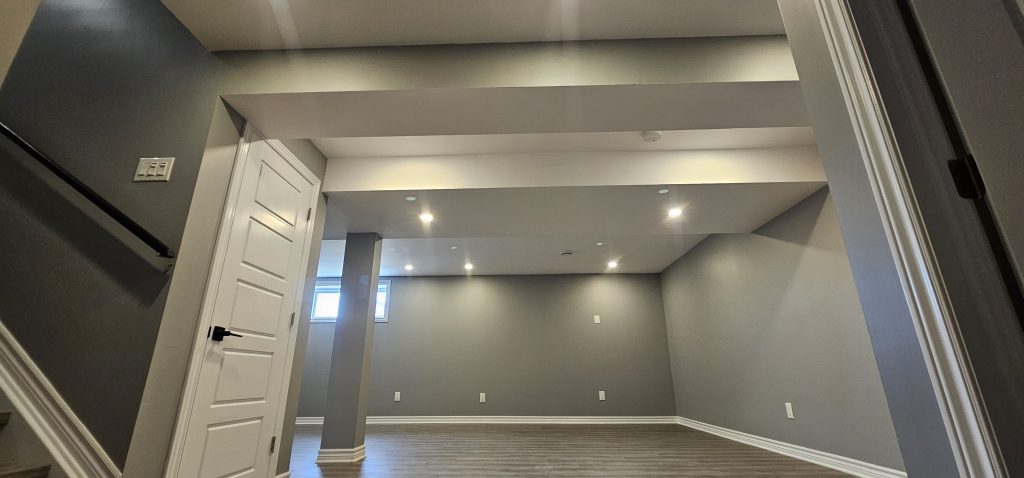
Basment Finishing
Welcome to our Basement Budget Calculator
This tool will walk you through each step to give you a realistic estimate for your renovation project—even if it’s your first time.
1. Select Your Finish Level
Decide how polished you want your new space to look and feel.
- Basic: Clean and practical, great for storage or a simple play area.
- Standard: A nice balance of style and function, with painted walls and basic trim.
- Premium: High-end touches throughout—quality materials, designer lighting, and refined details.
2. Enter the Basement Size
Tell us the total square footage you plan to finish.
- This number drives most of the cost: larger spaces require more materials and labor.
- Example: “800” means you’re finishing an 800 ft² area.
3. Choose the Primary Usage
Let us know how you’ll use the space so the estimate can reflect any special requirements.
- Living Area (family room, home office, media room)
- Rental Unit (studio or apartment-style space)
- Home Gym or Recreation
Each option fine-tunes the estimate—for instance, a gym may need more durable flooring.
4. Pick Your Flooring Type
Select the single flooring material you prefer:
- Something low-maintenance for heavy use
- A warmer, more luxurious feel for a cozy lounge
- A versatile choice if you’re planning to rent it out
5. Choose Your Wall Finish
Decide how you want your walls to look:
- Smooth Painted Walls for a sleek, modern style
- Wood or Decorative Panels for added warmth and character
6. Add Optional Extras
Customize your project by ticking any features you’d like:
- A full bathroom for convenience
- A kitchenette for meals or independent living
- Decorative trim and baseboards for a polished look
- Enhanced lighting to highlight architectural details
Reminder: This is a planning tool, not a formal quote. For an exact estimate tailored to your materials and custom requests, please reach out to our team any time!
Play around with different combinations to see how each choice affects your budget, and find the perfect balance between your dream space and your price range.
Kitchen Remodeling
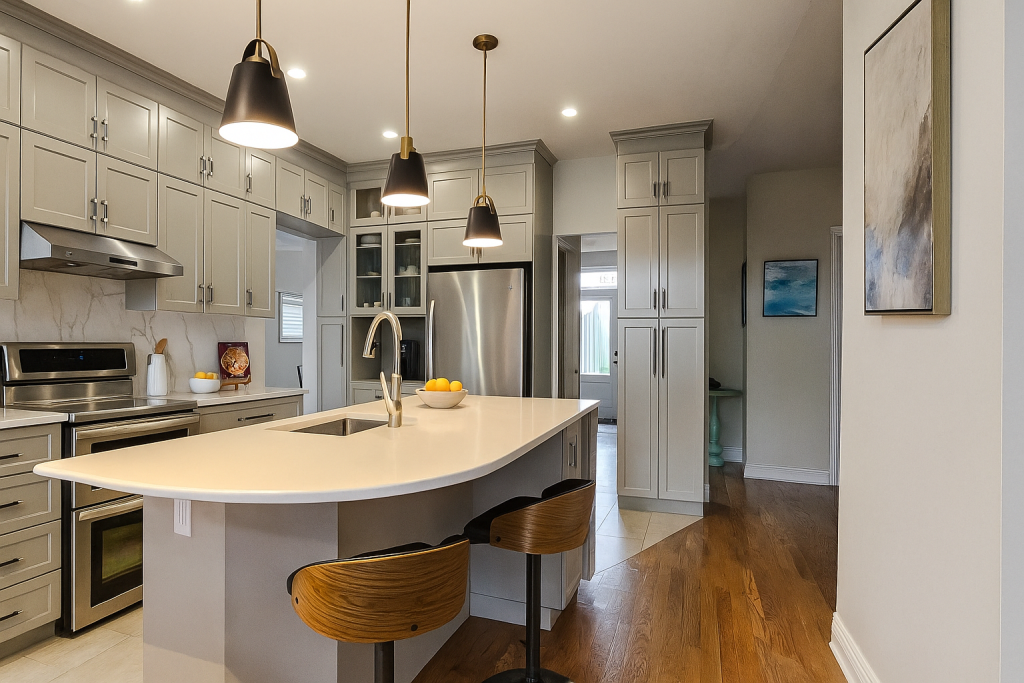
Welcome to our Kitchen Renovation Budget Calculator
Whether you’re planning your first remodel or just exploring options, this tool walks you through the essential choices to give you a realistic budget range.
1. Select Your Finish Level
This sets the overall standard of workmanship and materials in your kitchen—everything from basic, tidy cabinets and fixtures to premium details and designer touches.
2. Enter Your Kitchen Size
Tell us how many square feet you plan to remodel. This number drives most of the cost: the larger the space, the more materials and labor required.
3. Choose Your Cabinet Type
Pick the cabinetry style that matches your vision: stock units for a straightforward refresh, semi-custom for a tailored look, or full custom for highest flexibility and detail.
4. Pick Your Countertop Material
Select the surface you’d like above your cabinets—laminate for a budget-friendly update, quartz for a blend of durability and design, or granite for that natural stone feel.
5. Select Your Flooring Type
Decide on the material underfoot, whether it’s a low-maintenance vinyl, classic tile, or engineered wood—each one offers a different look and maintenance profile.
6. Choose an Appliance Package
Let us know if you’re installing a basic set of appliances, stepping up to a mid-range line, or going all-out with high-end models.
7. Add Optional Extras
Finally, tick any add-ons you’d like—backsplash, an island, premium fixtures—to see how they influence your overall estimate.
How to Use This Calculator
- Work through each section, making the single choice options for finish level, cabinets, countertops, flooring, and appliances.
- Check any boxes for extras you want to include.
- Click “Calculate Estimate” to instantly see your low-to-high budget range appear below the form.
Note: This calculator is a planning guide, not a formal quote. Actual costs will vary based on your exact materials, site conditions, and any custom requests. For a detailed proposal, our team is here to help—reach out anytime!
Bathroom Renovations
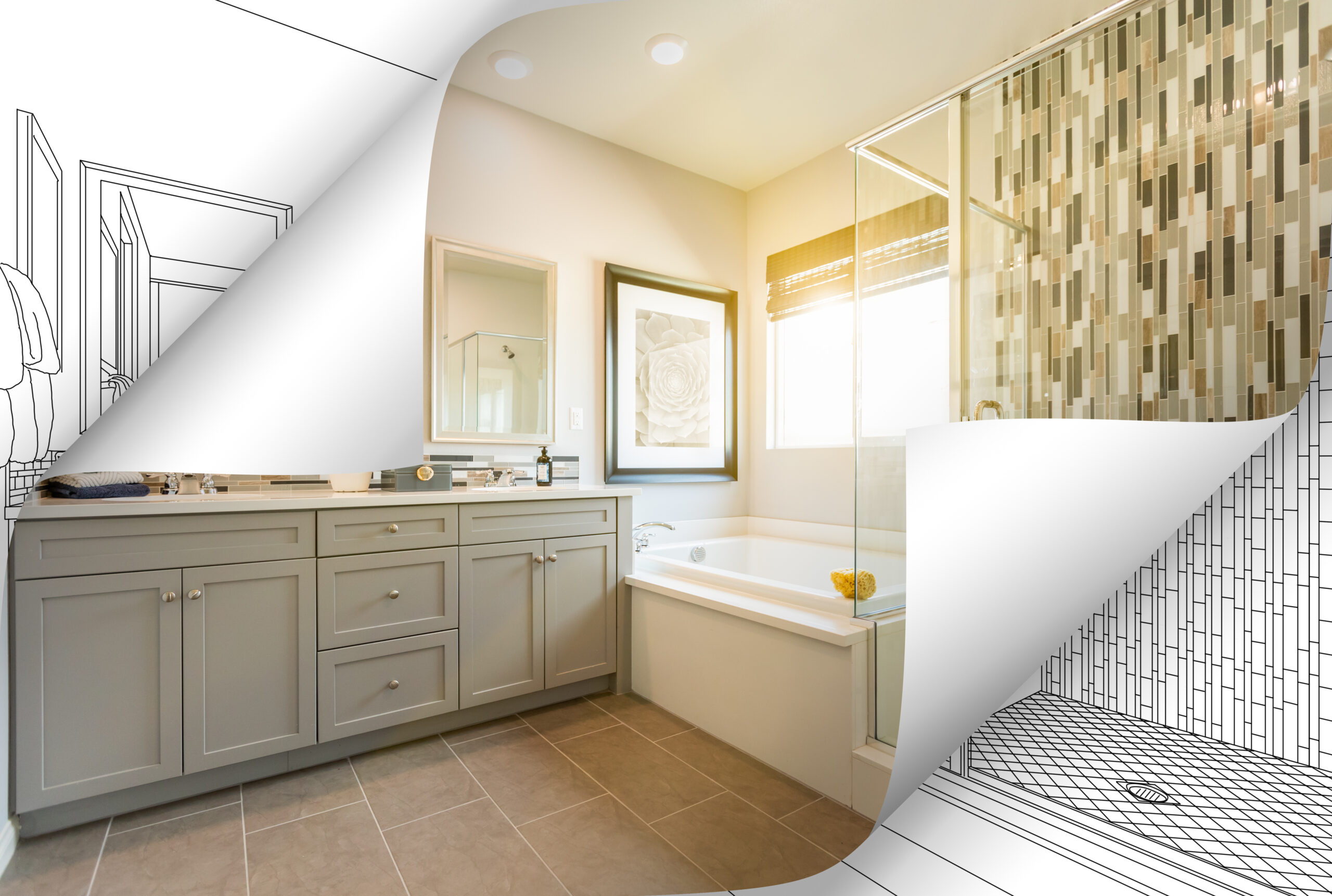
Welcome to our Bathroom Renovation Budget Calculator
This tool will guide you through each key choice so you can see a clear budget range for your project—even if it’s your first time.
1. Select Your Renovation Level
Decide how extensive your update will be, from a simple cosmetic refresh to a full gut remodel.
2. Enter Your Bathroom Size
Tell us the total square footage you plan to renovate. Bigger spaces require more materials and labor.
3. Choose Your Shower/Bath Upgrade
Pick the option that matches your vision—no change, a new bathtub, a walk-in shower, or a custom tile enclosure.
4. Pick Your Flooring Type
Select the flooring material you prefer, whether it’s easy-care vinyl, classic ceramic tile, or a luxurious heated tile system.
5. Add Optional Extras
Tick any additional features you’d like—vanity replacement, lighting upgrades, accent wall tile, or a new exhaust fan.
How to Use the Calculator
- Work through each numbered section, choosing the single option that fits your needs.
- Check any boxes for extras you want to include.
- Click “Calculate Estimate” to see your low-to-high budget range appear instantly below the form.
Note: This is a planning guide, not a formal quote. Final costs will vary based on selected materials, custom details, and site conditions. For a precise proposal, feel free to reach out to our team anytime!

What Sets Us Apart ?
Clear Process
From start to finish, you always know what to expect.Quality Craftsmanship
Every detail matters — we build to last.Respectful Work
Clean sites, careful crews, on-time delivery.Trusted Experience
18+ years serving Ottawa homeowners.Human Approach
We listen, we care, we communicate.